The Complete Guide to CRM for Moving Companies: From Leads to Invoicing
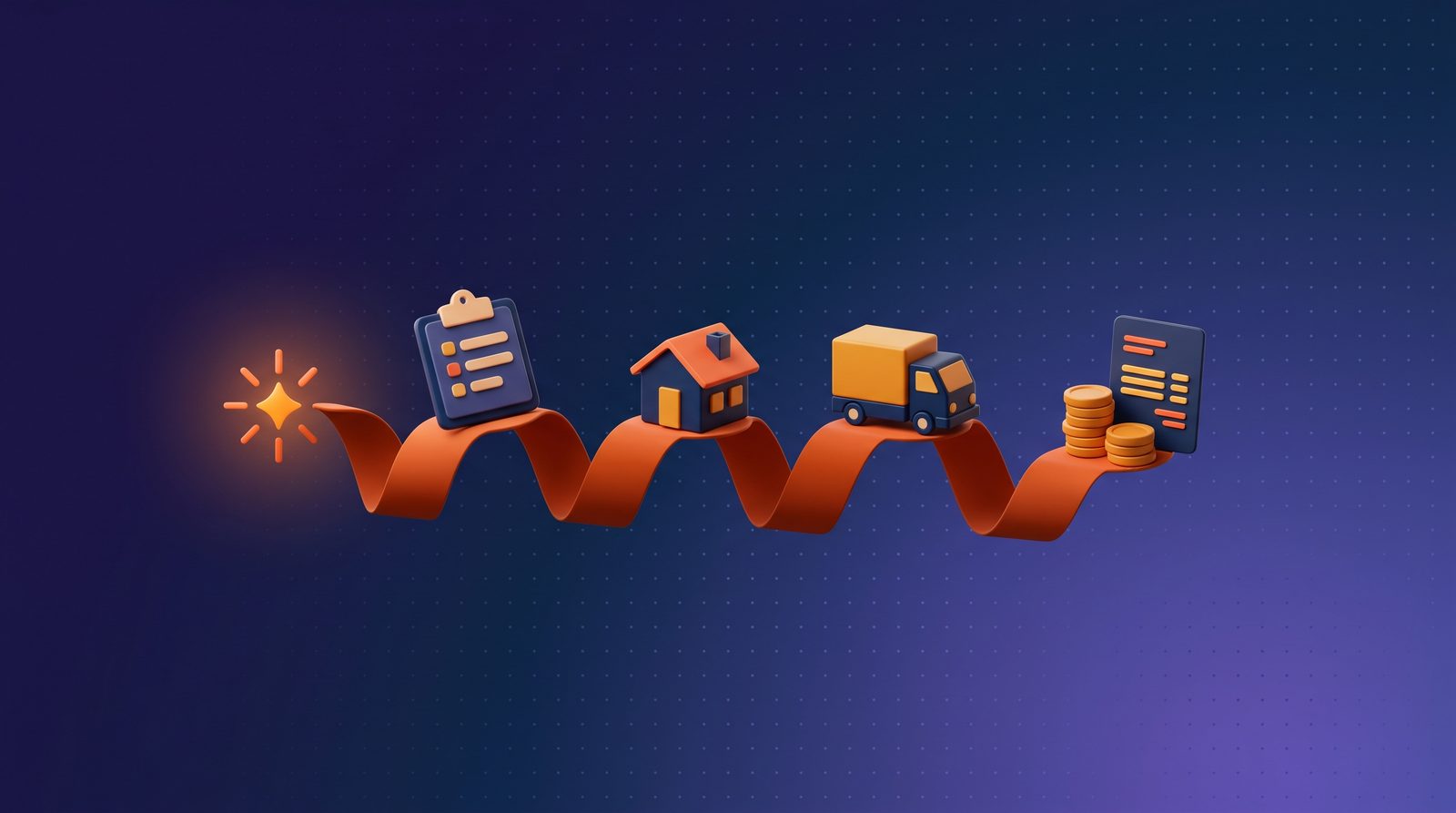
A moving company CRM shouldn’t just store contacts. It should run the business. From the moment a prospect fills out a form to the day their final invoice clears, the moving CRM touches every step — lead routing, survey, estimate, booking, dispatch, crew app, move day execution, billing, payments, accounting sync, repeat marketing, and claims. When any one of those links breaks, revenue leaks.
This guide walks the full lifecycle end to end, showing what a modern CRM for movers — also called a mover CRM, a moving CRM, or simply moving software — should do at each stage, the metrics that tell you the stage is working, and the specific leaks that happen when it’s not. Read it as a diagnostic: if you can’t confidently say your platform handles each stage below, you now know where your margin is going. The framework applies equally to local operators and to enterprise moving companies running multi-state or international operations worldwide.
— Adarsh Dattani, Founder, Movegistics AI
Stage 1 — Lead Capture and Qualification
The first job of a CRM for moving companies is to catch every lead and route it within minutes. Conversion rates drop 30–40% on leads left untouched for more than four hours. A CRM that can’t get a new lead into a follow-up sequence within five minutes is already underperforming.
What this stage requires
- A dedicated Lead module, separate from the job pipeline — because not every lead becomes a job, and you need to report on both populations.
- Multi-channel capture from web forms, phone, chat, third-party providers, and partner referrals, all with source tagging.
- UTM, GCLID, and FBCLID preservation through the lifecycle, so closed revenue can be attributed back to the ad that drove it.
- Automated routing and follow-up by lead source, service type, or geography — email and SMS sequences firing without anyone on your team having to remember.
Metrics that tell you it’s working
Time-to-first-touch under five minutes. Speed-to-lead under one hour from form fill. Close rate by lead source visible in a single dashboard. If any of these are blind spots, the CRM is failing this stage.
Stage 2 — Surveys and Estimating
Once a lead qualifies, the survey converts a stranger into a customer with an estimate they trust. This is where moving companies either build credibility or give it away. In 2026, customers expect a digital-first process — and the platforms that deliver one close faster and ghost less.
In-home, virtual video, or AI-driven?
The modern CRM supports all three. In-home surveys for complex jobs. Video surveys for customers who won’t host a visit. And AI-driven virtual surveys — like HomeSurvey.ai, embedded in Movegistics AI — that let the customer record a walkthrough on their own time. The AI detects 2,000+ item types, builds the cube sheet, suggests cartonization, flags bulkies, and generates an AI Move Summary — three crew-size scenarios each with pack, load, and unload hour estimates, truck recommendations, risk flags, and a complexity score — handing the rep a fully operational estimate, not just an item list. Completion rates above 90% replace the 35–40% ghost rate on scheduled video surveys. For high-value, commercial, military, and designer-services jobs where an in-person walkthrough still wins the contract, an iPad-based digital onsite estimator captures inventory 3× faster than paper cube sheets — see Moving Survey App: iPad Onsite Estimator vs Paper for the hybrid workflow.
Service-type-driven pricing
The estimate has to match the move type. Movegistics AI enforces five: Local (hourly rate tables), Intrastate (hourly or tariff), Interstate (tariff, with TechMate integration for Wheaton, Atlas, NAVL rates), Commercial (line items), and International (tariff by country, FCL/LCL). Each service type binds to the right Rate Tables, multipliers, and special fees. A CRM that uses one estimate template for every move type will eventually produce a bad quote — usually the expensive kind.
| Move Type | Pricing Model | Key Requirements |
|---|---|---|
| Local | Hourly with minimum hours | Rate tables by crew size, access multipliers, bulky item add-ons |
| Intrastate | Hourly or flat rate; state-specific rules | State-level tariff rules, service multipliers, mileage bands |
| Interstate | Weight-based tariff (TechMate 400N/400NG) | Carrier rate tables (Wheaton, Atlas, NAVL), origin/destination charges |
| Commercial | Line-item and project-based pricing | Itemized services, net-30 terms, company-level AR aggregation |
| International | Tariff by country (FCL/LCL) | Ocean freight, customs, destination charges, container sizing |
— Adarsh Dattani, Founder, Movegistics AI
Stage 3 — Booking and Contract Execution
The transition from estimate to booked job is where most CRMs show their seams. Digital signatures, deposit collection, confirmation emails, calendar invites, welcome materials — all of this should happen automatically when the customer clicks “accept.” If any of it requires a human to push a button, that button gets missed on your busiest days.
What a good CRM automates here
- E-signature on the service order with timestamped audit trail
- Deposit collection via Stripe, Authorize.net, or Remedy
- Confirmation email with move details, access instructions, and valuation options
- SMS appointment reminder 24 hours before move day
- Calendar invite to the customer’s Google/Apple/Outlook calendar
- A “Welcome to the crew” packet with what to expect on move day
Each of those touchpoints reduces day-of cancellations and pre-move customer anxiety. They also reduce inbound “just checking in” calls that otherwise eat your sales reps’ time.
Stage 4 — Dispatch and Operations
Once jobs are booked, dispatch is the operational heart of the business. A good CRM replaces the whiteboard, the shared spreadsheet, and the 6 a.m. phone calls with a single command center.
The Operations Command Center
Movegistics AI, for example, gives dispatchers a drag-and-drop interface with color-coded capacity visualization, GPS tracking for active trucks, and real-time visibility into crew availability. Jobs get assigned to trucks and crews. Overbookings get flagged before they happen. Underutilized capacity is visible at a glance so the sales team knows which days they can still sell.
What dispatch metrics reveal
Utilization by truck, crew, and day. Average revenue per crew hour. Overtime trends. Which crews consistently finish on time and which ones don’t. Without these, dispatch decisions are gut calls. With them, dispatch becomes a lever for margin.
Stage 5 — Move Day and the Crew App
Move day is where the CRM earns its keep. A native crew app running on iOS or Android — offline-capable, with QR-tagged inventory, BOL signatures, photo capture, timestamped clock-in/out, and on-site payment collection — is the difference between a smooth move day and a scramble. Operators report cutting claims 50% and speeding billing 40% when the crew app is properly instrumented (see Moving Crew App: Mobile BOL, Digital Signatures & Onsite Payment for the full move-day execution playbook).
What a crew app closes for the business
- Claim prevention. QR inventory + photo documentation makes damage disputes factual instead of emotional. Operators commonly cut claim rates in half with disciplined crew-app use.
- Variance recovery. Long carries, extra stops, packing materials, bulky charges — all captured in real time and added to the invoice before the customer leaves. Hundreds of dollars per move that otherwise disappears.
- Labor-hour accuracy. Timestamped clock-in/out per crew member eliminates the “I think I worked 9 hours” problem in payroll.
- Customer experience. Digital signatures, clean invoices, on-the-spot payment — the customer leaves the move feeling like they hired a pro.
— Adarsh Dattani, Founder, Movegistics AI
Movegistics AI handles every stage covered in this guide. Walk through the lifecycle on a 30-minute demo with your operation’s structure in mind.
Stage 6 — Invoicing, Payments, and QuickBooks Sync
The invoice is where the money either arrives or stalls. A CRM for moving companies should generate invoices from crew-app data without retyping, collect payment through integrated processors, and push the final invoice into QuickBooks automatically.
What this looks like in a properly-run platform
- Crew-app data flows into the final invoice with line-item detail
- Payment collected on-site via Stripe, Authorize.net, or Remedy
- Receipt emailed to the customer automatically
- Invoice posts to QuickBooks Online with correct item mapping and tax codes
- Commissions calculate and appear in the sales rep’s dashboard
A CRM that can’t do all five is forcing manual double-entry somewhere. That’s where cash-flow delays and reconciliation errors come from.
Stage 7 — Storage, Long-Term Revenue, and Vault Management
If your business handles storage-in-transit or long-term storage, your CRM needs a warehouse module. Spreadsheet-based storage billing becomes unmanageable after a hundred vaults. A real module handles inventory tracking, vault-to-customer mapping (Movegistics AI offers 2D interactive warehouse mapping), barcode or QR scanning, recurring monthly billing, and a customer-facing portal for access requests.
The revenue impact of getting storage right is quiet but compounds. Each vault off-spreadsheet is one less reconciliation error per month. Each automated billing cycle is one less expired-card incident. Over a year, a warehouse with 200 vaults can recover five figures in storage revenue that was previously leaking. (For the full operational playbook — 2D warehouse layout, QR vault tracking, automated recurring billing, customer-portal visibility, and Open API for standalone or integrated deployment — see Moving Storage Software: How a 2D Warehouse Map and QR Vault Tracking Maximize Revenue Per Square Foot.)
Stage 8 — Repeat, Referral, and Reviews
The cheapest revenue in the moving business comes from customers who already know you. A CRM should automatically trigger a review request 24–48 hours after sign-off, a thank-you email, a referral program invitation, and a follow-up six months out asking about storage or a corporate relocation.
Google Reviews matter here in a specific way: a 0.3–0.5 star average lift compounds into meaningful lead-volume increases over 6–12 months. Movers who automate their CSAT-to-review flow routinely see this lift within the first quarter of adoption.
Stage 9 — Claims and Customer Service
Even well-run moves sometimes generate claims. A CRM with a claims pipeline — intake, photo evidence, adjuster assignment, resolution tracking, and settlement — turns a chaotic process into a documented one. Operators who run claims through a CRM typically see customer-dispute volume drop 30–40% just from faster response times and clearer communication.
Stage 10 — Reporting, Coaching, and the Compounding Data Asset
Pull all of the above together and you have the biggest long-term advantage a CRM provides: a data asset that coaches the business. Close rate by rep, by lead source, by service type. Revenue per truck per day. Average variance captured on move day. Review scores by crew leader. Collections days on commercial accounts. None of this is visible without a CRM. With one, it drives weekly coaching conversations and quarterly strategy.
Stage Coverage: Which Platforms Cover the Full Lifecycle
Not every moving CRM covers every stage of the lifecycle described above. Some are sales-tools-with-operations-bolted-on; some are accounting platforms that grew sales modules; some genuinely span the whole arc. Here’s where each major platform sits across the 10 stages.
| Stage | Movegistics AI | SmartMoving | Supermove | Chariot | MoveitPro |
|---|---|---|---|---|---|
| 1. Lead Capture | Native, multi-source, attribution preserved | Strong sales-led capture | Modern forms + workflows | Web new-lead form with inventory collection (per chariotmove.com) | Standard capture |
| 2. Surveys | Built-in AI virtual surveys (HomeSurvey.ai) | 3rd-party integration required | Not publicly documented | Video recording via LiveSwitch integration (per chariotmove.com partnership) | Not publicly documented |
| 3. Booking | Service-type-driven contracts | Booking + e-sign | Modern booking UX | Estimates with customizable templates (per chariotmove.com) | Standard booking |
| 4. Dispatch | Native dispatch + route plan | Dispatch board | Dispatch + crew assignment | Job Schedule with day/week/month views (per chariotmove.com) | Dispatch tier |
| 5. Crew App / Move Day | Offline-capable crew app | Crew app available | Modern crew app | Mover Hub mobile app with Digital BOL (per chariotmove.com) | Crew app available |
| 6. Invoicing + QuickBooks Sync | Real-time bidirectional sync | QuickBooks integration | Accounting integration | Payments dashboard with QuickBooks sync (per chariotmove.com) | Standard sync |
| 7. Storage / Vault | 2D warehouse + vault management | Limited storage features | Storage module | Storage Management documented as coming soon (per chariotmove.com) | Storage available |
| 8. Repeat / Referral | Automated post-move sequences | Sales-led nurture | Workflow-driven | Email + 2-way SMS automations (per chariotmove.com) | Standard nurture |
| 9. Claims | Native claims workflow | Claims module | Modern claims UX | Not publicly documented in chariotmove.com materials | Standard claims |
| 10. Reporting / Coaching | AI Coach + per-rep dashboards | Sales-focused dashboards | Reporting module | Insights & Reporting (per chariotmove.com) | Standard reporting |
Verify current capabilities directly with each vendor — features evolve across releases. For sourced platform comparisons, see the vs SmartMoving, vs Supermove, vs Chariot, and vs MoveitPro pages.
Putting It All Together
A CRM for moving companies isn’t ten tools stapled together — it’s one system that runs the business end-to-end. When each stage hands off cleanly to the next (lead → survey → estimate → booking → dispatch → crew → invoice → QuickBooks → repeat revenue), the entire operation becomes measurably better every month.
Movegistics AI has been building this end-to-end platform since 2010. Over 6,000 movers use it, 50 million estimates have been generated, and more than $3 billion in payments have been processed through the platform. Enterprise customers like All My Sons run 100+ locations on Movegistics. The five-service-type pricing architecture, embedded HomeSurvey.ai virtual surveys, multi-channel automation engine, Operations Command Center, native crew app, warehouse module, and in-platform AI Coach are all designed to make every stage of the lifecycle — from first lead to final invoice — work together without manual glue.
Quick self-audit. Walk through the 10 stages above against your current tools. For each stage, rate yourself honestly: “fully covered by our CRM,” “partially covered,” or “manual / missing.” The stages in the second and third categories are the ones costing you margin.
Frequently Asked Questions
What stages of a move should a CRM cover?
End-to-end: lead capture and qualification, surveys and estimating, booking and contracts, dispatch and operations, the move-day crew app, invoicing and QuickBooks sync, storage and vault management, repeat and referral, claims and customer service, and reporting. A CRM that covers only sales leaves operations and accounting on spreadsheets.
Should virtual or in-home surveys be the default in 2026?
Virtual AI surveys are the default for residential moves — faster turnaround, lower cost per survey, and accuracy now within a few percent of in-home for most move types. In-home estimates are appropriate for high-value, complex commercial, or specialty moves where the margin justifies the visit.
Why does QuickBooks sync matter so much?
Double-entry between the CRM and accounting is one of the most consistent revenue leaks in moving companies. Every manually re-keyed invoice is an opportunity for missed line items, late billing, and reconciliation pain. A real sync (not an export) closes the gap.
What does a good crew app do?
Works offline (cellular dead zones are common on move day), shows the customer’s inventory and special instructions, captures move-day adds (extra packing, long carry, stair fees) and routes them straight to the invoice, and timestamps job start/end without paper time sheets.
What metrics should a moving company report from its CRM?
Speed-to-lead in minutes, virtual-survey completion rate, close rate by service type and by rep, on-time start percentage, claims rate per 100 moves, repeat-customer rate, and storage revenue trend. These metrics tell you where the business is leaking and where to coach.
Why does a moving CRM compound in value over time?
Each closed move adds data — pricing accuracy, crew productivity, lead-source ROI, customer NPS. That data powers automation and coaching, which lifts close rate and margin, which produces more data. Year three is usually where the compounding effect becomes visible in the P&L.
See an end-to-end CRM built for moving companies
Walk through Movegistics AI with a product specialist. Bring the stages from this guide — we’ll show you each one in the product on your screen.
Book a Demo
Typical demo: 30 minutes · For movers of every size