Military Moving Software: How Digital DoD Forms and E-Signatures Modernize HHG Shipments
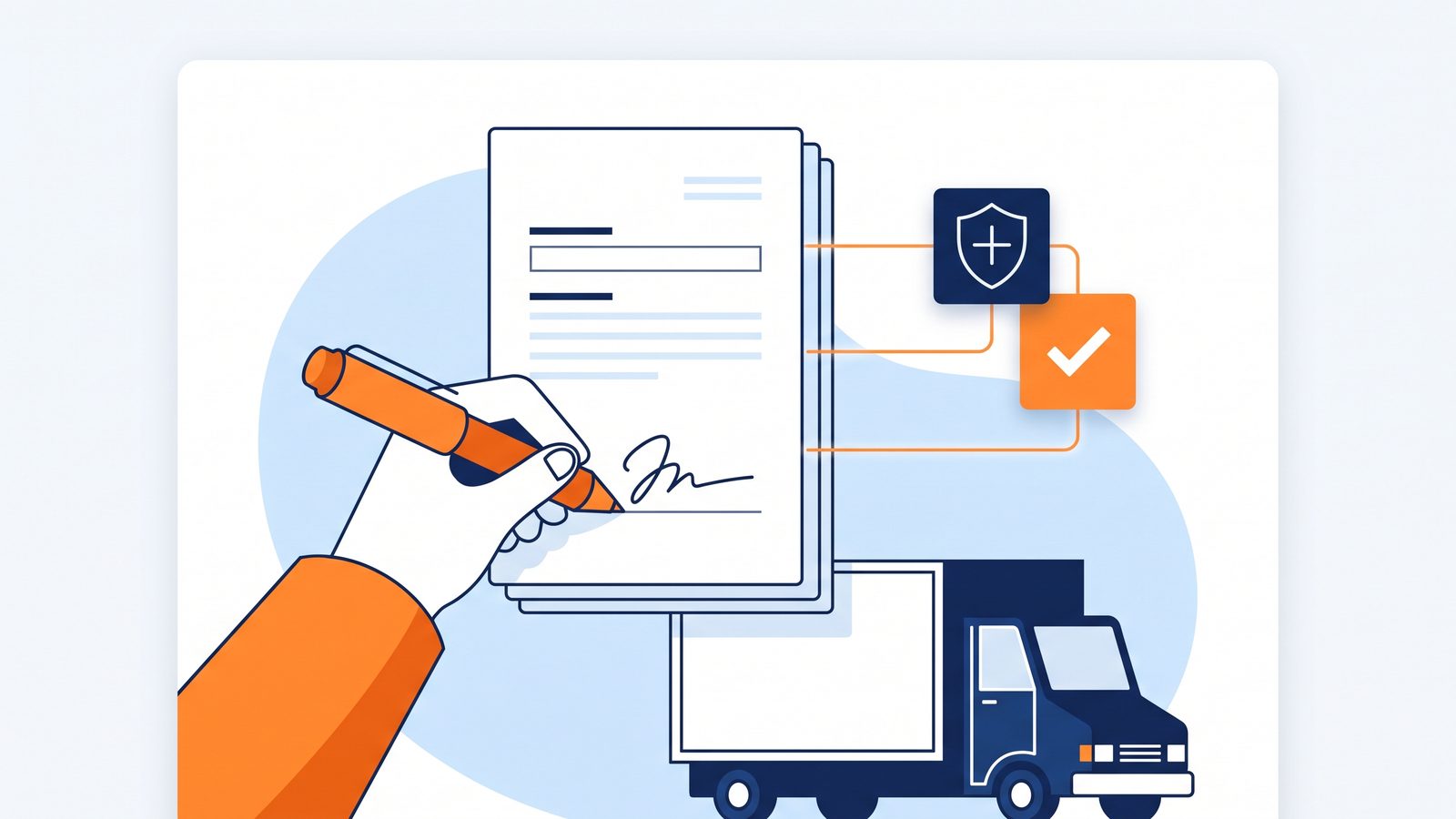
Military household goods (HHG) moves are the most documentation-heavy work a moving company can take on. Every shipment carries a Government Bill of Lading number, a Transportation Service Provider relationship, SCAC codes, rank-based pro-gear entitlements, and a stack of Department of Defense forms that must be completed, signed by the service member, and delivered to the TSP before the mover gets paid. For most agents and hauling carriers, that has meant printed forms, wet signatures at the customer’s door, scanning at the office, and long email chains chasing the one form somebody missed.
The Military Shipment Workflow, released in July 2026 for Mover Inventory and Movegistics AI, replaces that entire paper chain with a digital one: a dedicated Military move type, eight DoD forms generated automatically and pre-filled from shipment data, browser-based e-signatures the customer completes from their own device, real-time signature tracking, and a one-click Closeout Packet that bundles every signed document into a single PDF and emails it to the TSP.
This article walks through the workflow end to end — what gets configured once, what happens per shipment, which forms are covered, and how the CRM integration removes duplicate data entry for companies running the full Movegistics AI platform.
Why Military Moves Break Paper-Based Workflows
A military HHG move differs from a residential job in three structural ways. First, the paperwork isn’t optional or internal — DoD forms are the condition of getting paid, and an incomplete closeout packet means a delayed settlement with the TSP. Second, the signatures are staged: some forms belong to origin (tender of high-value inventory, accessorial services performed at pickup, property condition), others to destination (verification of the same, loss/damage notification before the crew departs). Getting a signature at the wrong stage — or missing one — surfaces weeks later as a payment problem. Third, the data is repetitive: the same GBL number, service member name, rank, TSP, and SCAC code appear on form after form, which is exactly where manual transcription errors breed.
Digitizing this workflow isn’t about saving paper. It’s about making the stage-form-signature chain impossible to get wrong: the system knows which forms belong to which inventory stage, pre-fills every repeated field from the shipment record, tracks each signature in real time, and won’t offer the closeout until everything is signed.
One-Time Setup: TSPs, Ranks, and Franchise Partners
Three configurations under Settings in the Mover Inventory CMS populate the dropdowns every military shipment uses:
- TSP List. Each Transportation Service Provider with its name, an optional contact email (where the closeout packet goes), and one or more SCAC codes per TSP.
- Military Rank List. Grades (E-1 and up) with default Member Pro-Gear (MPRO) and Spouse Pro-Gear (SPRO) weights in pounds — select a rank on a shipment and its pro-gear entitlements carry onto the record and the forms.
- Franchise Partners. The list of partners available for assignment on military shipments.
Companies running the full CRM configure the same three lists under Movegistics AI CRM → Settings → General, so shipments created from either side stay standardized.
Creating a Military Shipment
Setting a shipment’s Move Type to Military reveals the dedicated military field set. Four fields are mandatory — GBL/BOL Number, Rank/Grade, TSP Name, and SCAC Code — and the record carries the full operational picture: Franchise Partner, Branch of Service, DODID Number, TSP Shipment Reference #, Ordering Activity/Installation, Code of Service, Sponsor Name and DODID, Military Move Type (HHG, NTS), SDDC Shipment Number, Agent Name, and Hauling Agent/Carrier.
Checkbox flags cover the special-handling cases that change how a shipment is worked: Dual Military, Pro-Gear Member, Pro-Gear Spouse, OCONUS, Firearms Shipment, HVI Expected, SIT Authorized, NTS Release, and SIT. Three date fields — Counseling Date, Actual Load Date, Required Delivery Date — track the schedule. Once created, a Military Data card on the Shipment Details tab summarizes the GBL, rank, branch, TSP, SCAC, sponsor, and flags alongside the standard shipment summary.
The Eight DoD Forms — Generated, Pre-Filled, and Stage-Mapped
Military shipments get a dedicated Forms tab where all eight required DoD forms are generated automatically, pre-filled from the shipment record, and mapped to the inventory stage where each applies:
| Form | What It Covers | Stage |
|---|---|---|
| DoD-HVI (Origin) | High Risk / High Value Inventory, tendered and signed at origin | Add Items to Inventory (Origin) |
| DD-619 (Origin) | Statement of Accessorial Services Performed at pickup | Add Items to Inventory (Origin) |
| DP3 Real Property Damage (Origin) | Property condition and damage at origin — recorded exceptions flow into the form automatically | Add Items to Inventory (Origin) |
| Firearms Declaration | Firearms inventory with make/model, caliber/gauge, and serial number per firearm | Add Items to Inventory (Origin) |
| DoD-HVI (Destination) | High-value inventory verified and signed again at delivery | Remove Items from Inventory (Destination) |
| DD-619 (Destination) | Accessorial services performed at delivery | Remove Items from Inventory (Destination) |
| DP3 Real Property Damage (Destination) | Property condition and damage at destination | Remove Items from Inventory (Destination) |
| DD-1840 | DP3 Notification of Loss or Damage at Delivery, captured before the crew departs | Remove Items from Inventory (Destination) |
The stage mapping is the quiet win here: when the crew performs Add Items to Inventory at origin, the system automatically prepares the four origin forms; when they perform Remove Items from Inventory at destination, it prepares the four destination forms. Crews always have the correct documentation at the correct moment, without anyone deciding which form applies.
Customer E-Signatures — From Their Own Device
From the Shipment Details screen, one button — Email Forms to Customer for Signature — sends the service member a professionally designed “Action Required — Your Military Shipment” email with the shipment information, GBL number, and a secure Review & Sign button. Everything happens in the browser: digital signatures, Save & Next navigation through each document, print/save-as-PDF, all mobile-friendly, no app download required.
Back in the CMS, the Forms tab tracks every document in real time — Sent to Customer and Signed by Customer — with edit, download, and resend actions per form. After signing, customers keep access to every completed document through the Customer Portal: view, download, and track documentation progress for the life of the shipment.
See the military workflow end to end on a real shipment: forms, signatures, and the TSP closeout.
The One-Click Closeout Packet
The closeout is where paper workflows traditionally fall apart — collating eight signed documents, scanning them in order, and emailing the TSP a packet that actually contains everything. In the digital workflow, the Send Closeout Packet button enables itself only when every form shows Signed by Customer. One click compiles all eight signed forms into a single PDF and emails it to the TSP with the shipment information, GBL number, job number, current stage, and service type. No manual compilation, no missing pages, no settlement delays caused by an incomplete packet.
Integrated with Movegistics AI CRM
Companies running Movegistics AI alongside Mover Inventory can start the military workflow where the job actually starts — in sales. Create a Work Request with the Military move type under Sales → Work Requests, and the military-specific field set appears in the Work Request itself. From there the workflow is the standard one: add inventory, book the move, dispatch the Work Order — and at dispatch, push the shipment to Mover Inventory. The military shipment is created automatically in both the Mover Inventory CMS and the mobile app, with no duplicate data entry and both platforms synchronized through the shipment lifecycle.
The same QR-coded chain of custody that runs every Mover Inventory shipment applies to military work — item-level scanning at every stage, condition documentation, and signature capture. If you’re new to that side of the platform, start with how QR-coded chain of custody cuts moving claims.
What This Means for Agents and Hauling Carriers
- Faster settlements. The closeout packet reaches the TSP the moment the last signature lands — not after a week of scanning and chasing.
- Fewer compliance misses. Stage-mapped forms mean the origin signatures happen at origin and the destination signatures happen at destination, every time.
- Less transcription risk. GBL, rank, TSP, SCAC, and sponsor data entered once flow onto every form automatically.
- A better service-member experience. Signing from their own phone or laptop, with portal access to every document afterward — instead of signing a clipboard eight times.
- One system for mixed books. Residential, commercial, and military work all run through the same CRM, dispatch, crew, and inventory stack — military stops being the workflow that lives in a filing cabinet.
Frequently Asked Questions About Military Moving Software
Which DoD forms does the Movegistics military workflow generate?
Eight forms, generated automatically and pre-filled from shipment data: DoD-HVI (origin and destination) for high risk/high value inventory, DD-619 (origin and destination) for accessorial services performed, DP3 Real Property Damage (origin and destination) for property condition, the Firearms Declaration listing each firearm with make/model, caliber/gauge, and serial number, and DD-1840, the DP3 Notification of Loss or Damage at Delivery.
Do customers need to download an app to sign military move documents?
No. Customers receive a secure email link and complete every signature in their browser — phone, tablet, or laptop. The experience includes Save & Next navigation through each document, print/save-as-PDF, and continued access to all signed documents through the Customer Portal afterward.
How does the TSP closeout work?
Once every form shows Signed by Customer, a Send Closeout Packet button becomes available in the Mover Inventory CMS. One click compiles all eight signed forms into a single PDF and emails it to the Transportation Service Provider along with the shipment information, GBL number, job number, stage, and service type.
Can military shipments be created from the CRM instead of Mover Inventory?
Yes. With Movegistics AI CRM, you select the Military move type while creating a Work Request, complete the military fields, and follow the normal workflow — add inventory, book, dispatch. Pushing the shipment to Mover Inventory at dispatch creates it in both the CMS and the mobile app automatically, with no duplicate data entry.
How are rank-based pro-gear weights handled?
The Military Rank List is configured once with each grade’s default Member Pro-Gear (MPRO) and Spouse Pro-Gear (SPRO) weights in pounds. Selecting a rank/grade on a shipment carries those pro-gear weights onto the shipment record and the generated forms automatically.
What military shipment data does the system track?
The Military move type carries GBL/BOL Number, Rank/Grade, TSP Name, and SCAC Code as mandatory fields, plus Franchise Partner, Branch of Service, DODID Number, TSP Shipment Reference #, Ordering Activity/Installation, Code of Service, Sponsor Name and DODID, Military Move Type (HHG, NTS), SDDC Shipment Number, Agent Name, Hauling Agent/Carrier, special-handling flags (Dual Military, Pro-Gear, OCONUS, Firearms, HVI, SIT, NTS Release), and Counseling, Actual Load, and Required Delivery dates.
See the military workflow run a real shipment
Get a 30-minute walkthrough of the Military Shipment Workflow — shipment creation, the eight-form chain, customer e-signatures, and the one-click TSP closeout — on your own operation’s job mix.
Book a Demo
Typical demo: 30 minutes · For agents, hauling carriers, and van line operators